Back to Documentation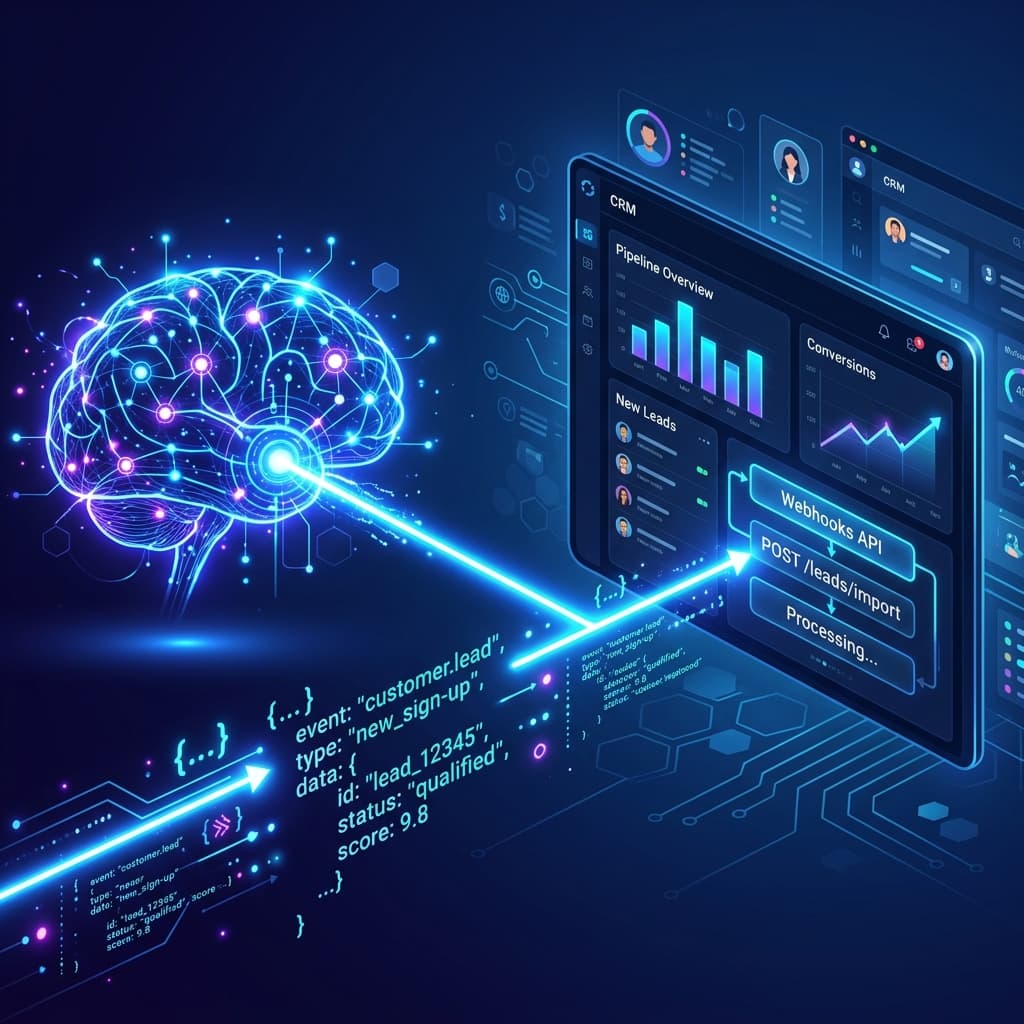
GoHighLevel / CRM Syncing
Automatically inject fully qualified leads, call recordings, and AI transcripts directly into your CRM the moment a phone call finishes.
1Generate your Webhook URL
- Open your GoHighLevel dashboard (or Zapier / Make.com).
- Navigate to Automation > Workflows.
- Click Create Workflow and select "Start from scratch".
- Under Add New Workflow Trigger, search for and select Inbound Webhook.
- The system will generate a unique URL (Example:
https://services.leadconnectorhq.com/hooks/catch/...). - Copy this URL to your clipboard.
2Bind to Astra
- Open your HeyAstra Dashboard.
- Click on the Integrations tab in the left sidebar menu.
- Paste the copied URL into the CRM Outbound Webhook field.
- Click Save Active Configs.
Your AI Agent is now fully connected. Every time a call concludes, a JSON Payload will be dispatched to your workflow instantly.
JSON Payload Schema
You can map the following variables inside your CRM to update contact properties or trigger SMS follow-ups:
{
  "heyAstra_lead": {
    "phone": "+14695550123",
    "status": "Booked",
    "duration": 142,
    "sentiment": "Neutral",
    "summary": "Caller wanted to schedule a consultation for Tuesday.",
    "transcript": "AI: Hello! How can I help you? Caller: Hi I need to book...",
    "audio_recording": "https://vapi.ai/recording_url...",
    "timestamp": "2026-04-16T12:00:00.000Z"
  }
}